How much water and carbon went into making your product?
A walk through the Water & Carbon Footprint Scanner, a small tool on this site that reads the ingredient list of a food product and gives you how much water and carbon went into making your product.
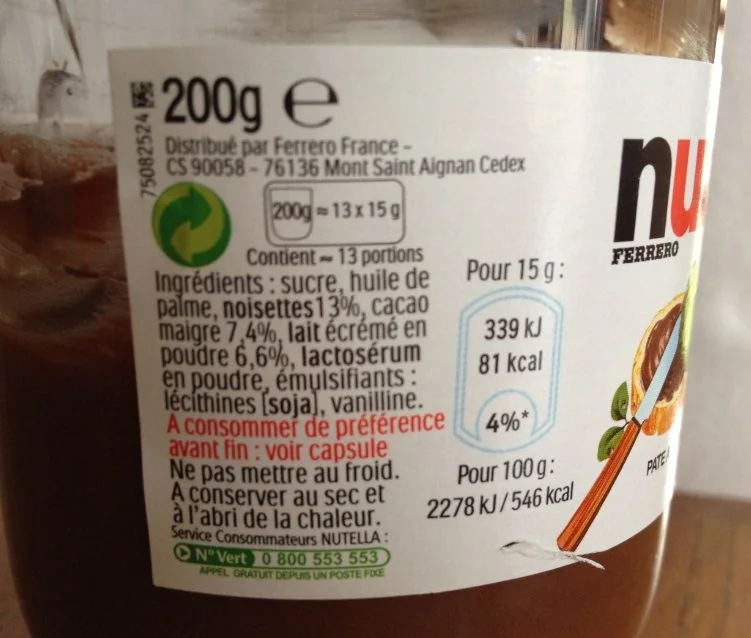
Pick up something from your kitchen and turn it around. Somewhere on the back there is a list of ingredients, printed small, in an order you probably never thought about. That list says more than it seems. It is enough to estimate how much water and how much carbon were needed to grow what is inside the packaging, and that is what the Water & Carbon Footprint Scanner does.
To show you how it goes, I used a jar of Nutella. Any product with a readable label would have done the job just as well.
What you see
The page is built like a report you would get back from a laboratory. There is a place for the sample, a table for the composition, two large figures for the results and the method written out at the bottom.
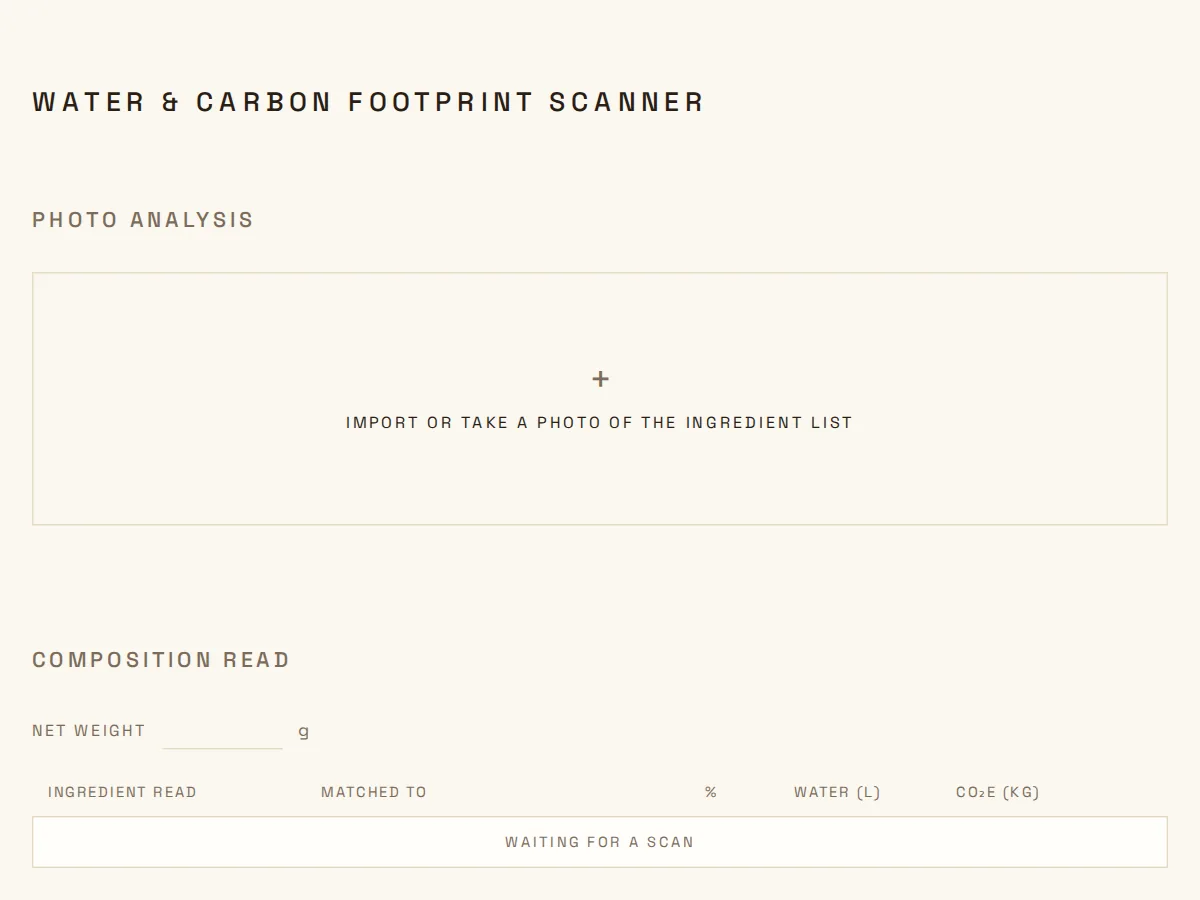
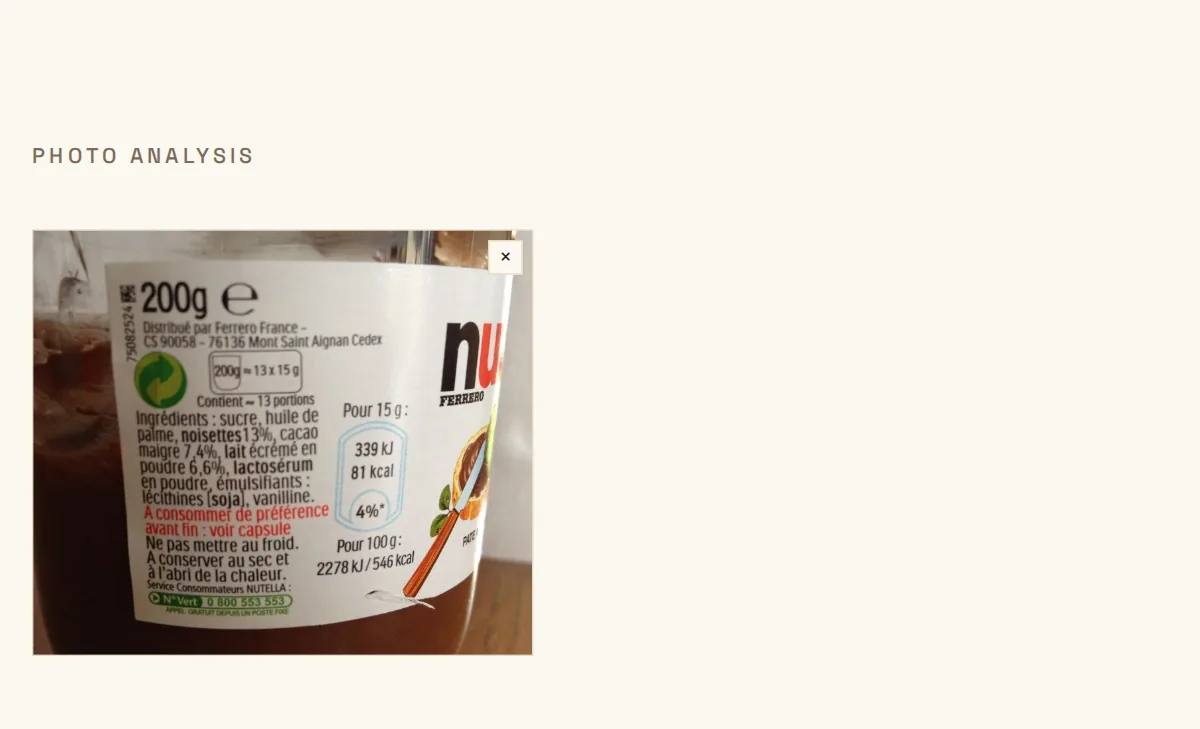
You start by importing a photo, or by taking one with your phone. The browser shrinks it a little before sending it, because a label does not need many pixels to be read.
A few seconds later the table fills in. Each row is one ingredient as it was read on the label, the entry of the database it was matched to, its share of the weight, and the water and carbon that share represents. When the label prints a percentage, the scanner uses it as it is. When it does not, it estimates one and marks it with a small ≈ sign, so you always know which numbers come from the packaging and which ones come from a guess. If you know better, you can change any cell and the result follows immediately.
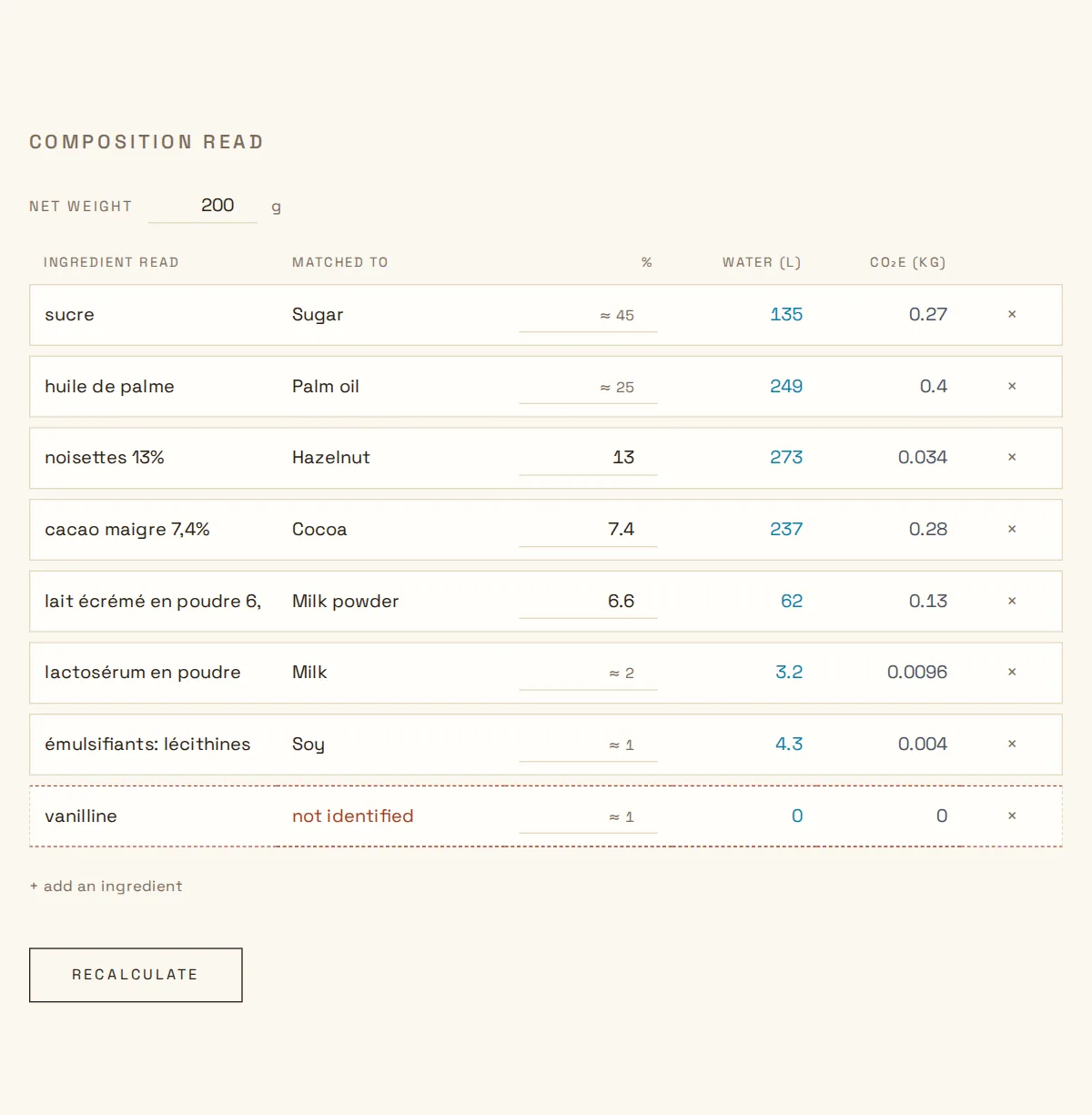
The last row of this table is vanillin, a flavouring. The scanner does not know it, so instead of inventing a value it leaves the row at zero and says so. That choice matters for what comes next, because an ingredient it cannot identify makes the result less certain, and the result is honest about it.
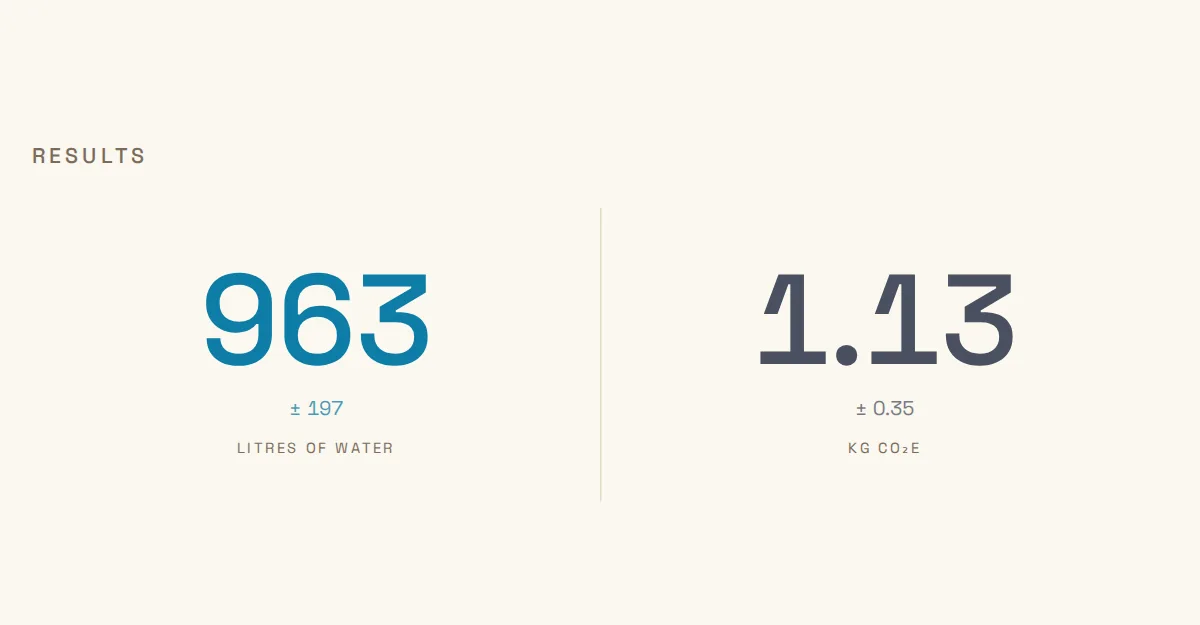
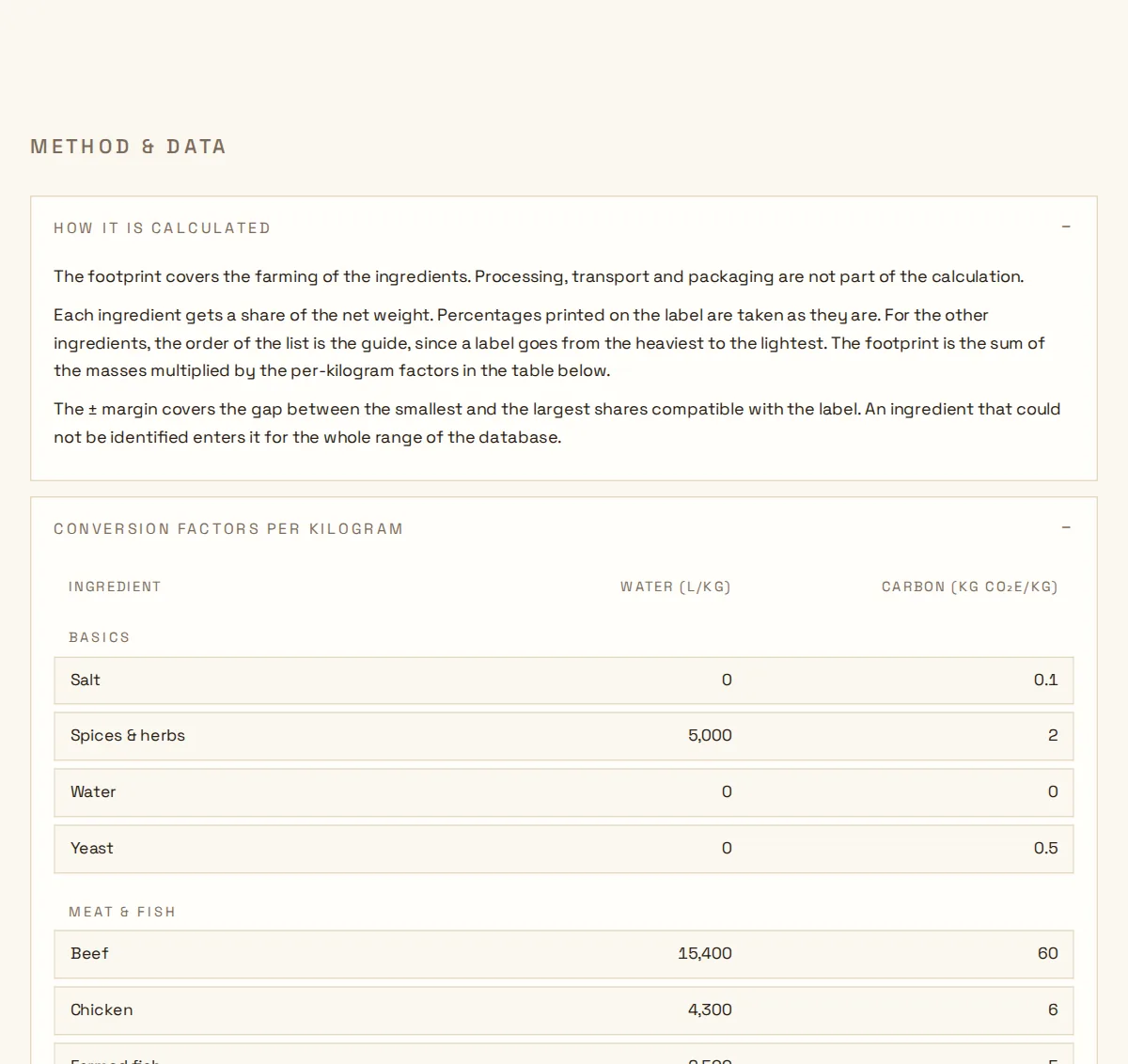
The jar came out at 963 litres of water, plus or minus 197, and 1.13 kilograms of CO₂e, plus or minus 0.35. The margins are there because a label gives only part of the recipe, and the rest has to be estimated. Lower on the page, the method is explained, followed by the table of factors, one line per ingredient the scanner knows, with the source of each figure.
What happens behind the page
Now for the part you do not see. The scanner is a small web application with two jobs, reading the label and doing the arithmetic, and it keeps the two well apart.
Reading the label takes two calls to outside services. The photo first goes to the Google Cloud Vision API, which simply returns all the text it can find on the picture, the ingredient list but also the nutrition table and whatever else is printed there. That text then goes to Gemini, on its free tier, with a short set of instructions. Find the ingredient list in the middle of the rest. Keep one entry per ingredient, in the order of the label. Copy a percentage only if it is printed. Otherwise estimate one. Match each ingredient to one of the forty-four entries of the database, and if nothing fits, say so rather than improvising. The answer has to come back in a fixed shape, and the server checks it again before trusting it.
In Europe, ingredients must be listed in decreasing order of weight. That single rule turns the list into a set of constraints. On my jar, hazelnuts are printed at 13 % and come third, so the two ingredients before them, sugar and palm oil, each weigh at least 13 %. The three printed percentages add up to 27 %, so everything else shares the remaining 73 %. Follow the chain and you can prove that sugar is somewhere between 26.6 % and 60 % of the jar, and palm oil between 13 % and 36.5 %, without any model at all. The estimate from the reading step is then nudged until it fits inside those limits while keeping the order of the label and adding up to 100. Each share times the net weight gives a mass, each mass times the factor of its ingredient gives litres and kilograms, and the margin grows with everything the label left unsaid.
Where the numbers come from
The water figures come from the work of Mekonnen and Hoekstra, who in 2011 published the reference dataset for the water footprint of crops and animal products. They count the rain used by the plant, the irrigation water, and the water needed to dilute the pollution of farming, and the scanner uses the sum of the three. The carbon figures come mostly from Poore and Nemecek, whose 2018 study in Science gathered the emissions of about 38,000 farms around the world, and they are checked against Agribalyse, the public French database of food life-cycle data.
What I find striking is that the two footprints do not agree on who the culprits are. Hazelnuts drink a lot, around 10,500 litres per kilogram, but emit little, because an orchard is made of trees. Palm oil is the other way round, modest in water and heavy in carbon, largely because of deforestation. In my jar, the hazelnuts carry most of the water and the palm oil and cocoa carry most of the carbon. That is exactly why the scanner shows two numbers and refuses to blend them into one score.
It also knows its limits. It counts the farming of the ingredients and nothing after it, so processing, transport and packaging are out of the picture, and its factors are world averages because a label never says where its hazelnuts grew. The margin covers what the label leaves vague, not the uncertainty of the science itself. So read 963 litres as roughly a thousand, and as a reason to look twice at a list you used to ignore.
A word on your photo
The picture you send is reduced and rewritten in memory, which strips the location and the device out of it, and it is never stored. There is no account and no history. The free tiers of the services behind the scanner are protected by a limit per visitor and a daily budget for the whole site, so on a busy day it may ask you to come back tomorrow.
The scanner lives at geheim.land/apps/water-and-carbon-footprint-scanner. Try it on something from your cupboard.